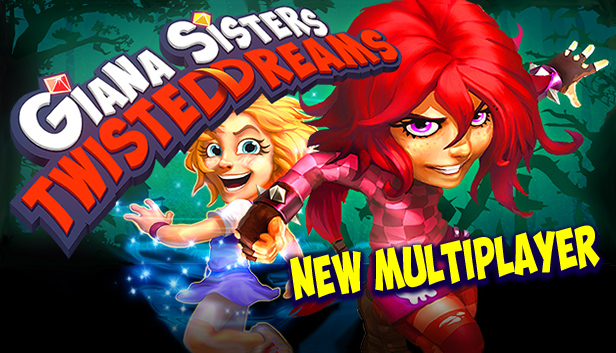
Giana Sisters: Twisted Dreams is a challenging fast-paced platformer with a twist. You can warp Giana’s dream world to transform your abilities and surroundings. Use your skill, speed, brains, and powers to defeat the dangers that populate these twisted dreams!
Cute Giana moves with speed and grace, twirling past hazards and adversaries with a light touch and gentle heart. But, Giana isn’t limited to soft solutions. With a quick morph her punk side comes out to play, full of raw attitude and a powerful dash to crush obstacles that block her way!
Powerful Abilities: Giana moves through the dream according to her desires and mood. When confronted, she can hammer past or drift on by. You make the call.
Intuitive Controls and Smooth Gameplay: Controlling Giana is a breeze, but you’ll eventually need every trick in her arsenal to defeat the cunning trials ahead.
Amazing Worlds: Giana’s dreamworlds leap off the screen with gorgeous 3D graphics and the fantastic alterations of the morph!
Tons of Cool Interactions: As Giana changes, so does the world around her. Fly with bubblegum, ride conveyer belts, power along with repeaters, hop on springs, and even ride on turtles.
Legendary Soundtrack with Chris Hülsbeck and Machinae Supremacy!
Explore and Discover: There are 16 rich levels across 3 distinct worlds, each transforming into the two dreamworlds. Giana’s dreams abound with secret locations.
Epic Boss Battles: Gigantic creatures from the depths of Giana’s most terrifying nightmares are here to play too. Seriously, these guys are just plain brutal!
Processor: Intel Core 2 Duo @ 2.8 GHz / AMD Athlon II X2 @ 2.8 GHz
Memory: 2 GB RAM
Graphics: SM3.0 DX9.0c level hardware (Nvidia GeForce 6800, ATI X1800 XT or higher)
Storage: 3.3 GB
Directx: 9
Additional notes: Keyboard
windows Recommended
OS: Windows Vista / Windows 7
Processor: Intel Core i5 @ 2.66 GHz / AMD Phenom II X4 @ 3.0 GHz (or any Dual Core CPU)
Memory: 3 GB RAM
To activate the game, you need a Steam Account
Login or register at the official Steam Website and download Steam client
Install and start application, login with your Account name and Password
Click the Games Menu.
Choose Activate a Product on Steam...
Follow the onscreen instructions to complete the process
After the successful code verification, go to the "MY GAMES" tab and start downloading.
News & Updates
2026-09-02
Get 50 Extra YXP for a Limited Time
Ready to level up your YUPLAY Loyalty progress? The YXP Extra Event is back, giving you another chance to earn 50 bonus YXP with every qualifying order. Spend at least €10 between 02.09.2026 15:00 CET and 07.09.2026 15:00 CET and get an extra 50 YXP on top of your regular Loyalty Program rewards!
ACE COMBAT 8 Could Be the Series’ Most Ambitious Entry
The upcoming Ace Combat 8: Wings of Theve marks a completely new chapter in the popular flight shooting series, by effectively blending cinematic storytelling with the thrills of aerial combat like never before. Developed by Bandai Namco Aces Inc., the game will build upon the decades of established expertise in order to further boost the series’ strong sides…
This game does not default to external Bluetooth/USB controllers on Deck, and may require manually switching the active controller via the Quick Access Menu
All functionality is accessible when using the default controller configuration
This game shows Steam Deck controller icons
In-game interface text is legible on Steam Deck
This game's default graphics configuration performs well on Steam Deck