This content requires the base game in order to play:Generation Zero®
Game Description
System Requirements
Activation Details
Since the fateful day of the "Cataclysm", NATO and the USSR have each been closely monitoring the situation in Sweden, raising their preparedness levels and weighing options.
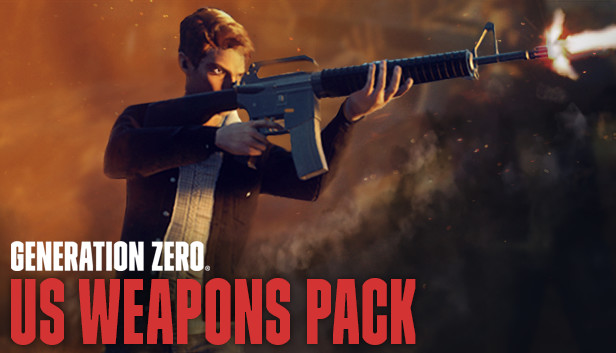
When proof was obtained that there were survivors hiding in multiple locations in Östertörn, resolution "Reaction: Phase 1" was passed at NATO, as an urgent, temporary solution: large quantities of standard-issue weapons used in the American military were to be dropped all over Östertörn, in order to offer immediate assistance and support to the various groups of survivors.
Mid-tier versions of these three US weapons will now be available in any PLUNDRA storage box on Östertörn; if you are new to the game, you will find them in the storage box at the Iboholmen Church. Higher tier versions of the weapons can also be found by defeating and looting enemies.
These weapons are
N9 Handgun - A proven, medium-power 9mm semi-automatic pistol. Standard-issue pistol for the US Army. Good for short-range encounters and as a last resort when your main weapon runs dry.
N16 Assault Rifle - Standard-issue assault rifle for the US Army. Easy to handle and equipped with a burst fire. Excels at medium to long range encounters due to its accuracy, sight options and fire mode versatility.
N60 Machine Gun - The N60 is a powerful and stable general-purpose machine gun used by the US Army since the late 1950s. Suitable for short to medium range encounters where accuracy is secondary to being able to sustain a high rate of fire without frequent reloads.
Graphics: nVidia GTX 660 / ATI HD7870 - 2GB VRAM / Intel® Iris™ Pro Graphics 580
Storage: 35 GB available space
windows Recommended
OS: 64bit OS - Windows 10
Processor: Intel i7 Quad Core
Memory: 16 GB RAM
Graphics: nVidia GTX 960 / R9 280 - 4GB VRAM
Storage: 35 GB available space
To activate the game, you need a Steam Account
Login or register at the official Steam Website and download Steam client
Install and start application, login with your Account name and Password
Click the Games Menu.
Choose Activate a Product on Steam...
Follow the onscreen instructions to complete the process
After the successful code verification, go to the "MY GAMES" tab and start downloading.
News & Updates
2026-03-30
Join the Easter Raid Party and Win a Free Game
The Easter season is here and since we like this part of the year so much, we have made sure to have prepared a special YUPLAY promotional campaign for those of you that are ready to go into the Raid Party and grab a FREE gaming title. All you have to do is make an order above 20€ between 02.04.2026 15:00 CET and 08.04.2026 15:00 CET, and you will get a FREE game as ab Easter present from us…
Early Spring season has definitely delivered on some exciting updates, game announcements, and promising releases to be on the lookout for until the end of this year. So, let’s immediately have a better look at some of the more outstanding news that happened on the gaming scene during the month of March 2026 that we decided to cover for you…