2026-10-23
BOO! Giveaway - Win a Game of Your Choice
Make a purchase of any amount between 23.10.2026 15:00 CET and 28.10.2026 15:00 CET, submit your Order ID in our Gleam and get a chance to win a FREE GAME (up to 50€).…



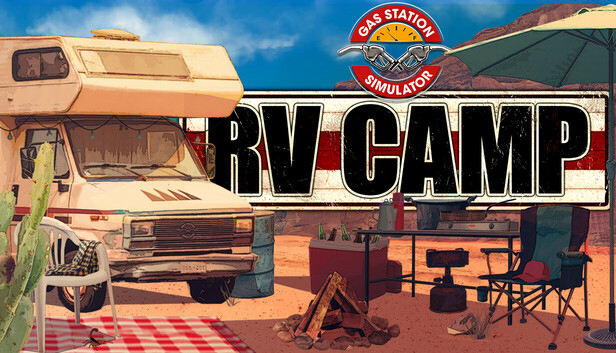
Step into the shoes of a campground manager in the brand-new RV Camp DLC for Gas Station Simulator. Rent out spots to travelers and complete diverse minigames to help them while away the hours. Expand your campsite, tackle various challenges, and help Ruby create the best resort the world has ever seen.
Meet Ruby, an elderly woman with a lifelong dream: to build the ultimate RV resort where every traveler feels at home. With a great mind full of even greater ideas, Ruby has the vision, but she lacks the necessary business skills to turn that vision into reality. That’s where you step in.
Together, you’ll transform a quiet plot of land into a breathtaking campground where every adventure takes on a whole new meaning. As her partner, you’ll support Ruby every step of the way, shaping the campground into a destination worthy of legends.
Running a campground isn’t just about renting out spots – it’s about creating experiences that stick with us for a lifetime. In this DLC, you’ll dive into a variety of minigames and interactions that will keep both you and your guests on your toes. Each day brings new challenges, guest requests, and plenty of stories to tell. The better you perform, the happier your guests will be, which means your reputation as an ultimate RV host will grow in the blink of an eye.
No great campground runs on one pair of hands alone. As the RV Camp grows, you’ll unlock the ability to hire employees to help keep things running smoothly. Upgrade your campsite to attract a wider range of travelers. With every improvement, your resort becomes a more desired destination for RV lovers everywhere.