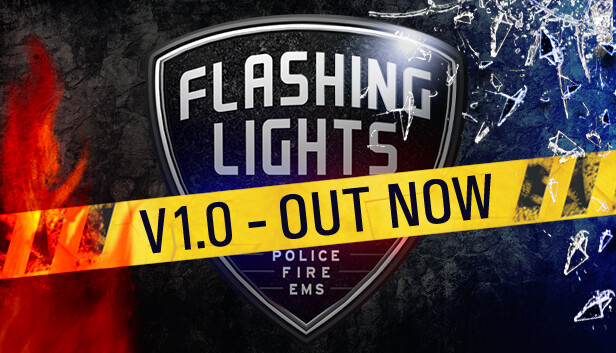
Either solo, or in up to 10 player online co-op, this immersive sim lets you enrol with the police, fire department or emergency medical services and take on missions unique to each service in an open world. Engage in desperate car chases, put out lethal fires, and diagnose life-threatening injuries! Each department has its own roster of vehicles and equipment for you to operate while on duty.
Become the police! Usually the first to respond to a criminal incident, the police are equipped with the fastest vehicle and a variety of life-saving equipment. Their roles vary from handing out parking tickets to chasing down dangerous suspects. In Flashing Lights, you'll do everything you can to prevent criminal activity and put a stop to any crimes in progress.
Be the fire department! Battling raging flames and freeing trapped civilians involves some heavy-duty gear including spreaders, a fire hose, a fire extinguisher and a fire truck. But your role in the fire department extends far beyond this, as you work closely with medical services out in the field, swiftly cutting open crashed cars so that medical staff can reach the casualty.
Be an EMS! As an emergency medical specialist, your job lies in keeping members of the public alive, treating patients’ injuries, diagnosis and more. Lifesaving equipment you’ll utilize includes medical kits, stretchers and ambulances. Help the injured solo, or with friends.
MULTIPLAYER Team up with fellow players online and divide your team between the three emergency services at will. Race around the open world in various vehicles, to where you are needed, working together to help civilians in accidents or catch a fleeing criminal.
OFFICIAL MOD SUPPORT Expand your experience with a wide variety of player-created mods. From vehicle liveries inspired by various worldwide emergency services to alternate uniforms, seamlessly browse and install mods in-game.
Graphics: AMD R7 200 Series / NVidia 700 series with 1GB vram or above
Storage: 4 GB available space
Directx: Version 11
To activate the game, you need a Steam Account
Login or register at the official Steam Website and download Steam client
Install and start application, login with your Account name and Password
Click the Games Menu.
Choose Activate a Product on Steam...
Follow the onscreen instructions to complete the process
After the successful code verification, go to the "MY GAMES" tab and start downloading.
News & Updates
2026-07-20
Our Way of Saying Thank You
Great games are nothing without loyal gamers and we're grateful to have such an amazing community that supports our store. That’s why we’re launching our special “YUPLAY Is Feeling Generous” campaign as a way of saying “Thank you”. During this campaign, with every order over €30 you will receive a free 10% discount code that can be used during your next purchase…
The FIFA World Cup 2026 is coming in hot this summer and while these coming weeks it is all going to be centered around the best game in the world of sports, we decided to bring you a dedicated YUPLAY giveaway to commemorate the occasion together! This promotional giveaway campaign invites all of our followers to try and predict the exact final scores of selected matches from the World Cup…