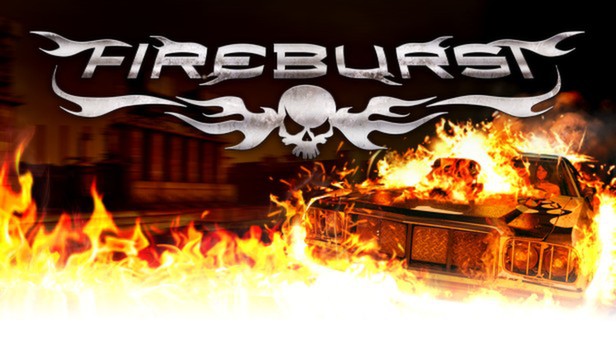
Blast opponents off the road with Fireburst, an explosively fun fast-paced arcade style racing game with fantastic graphics. Rev up to scorching speeds to outrun opponents on a dozen different tracks, setting them ablaze in your flaming wake thanks to our exclusive Fireboost technology. Drive as sixteen sarcastic drivers with unique styles and taunts, using various explosive, fire-based special abilities to turn other cars into a pyre of parts. Leave opponents sucking on your smoldering dust in single-player mode, local four-player mode or the insane, firetastic online eight-player mode. Grab the wheel and burn some rubber.
Choose Your Death Ride– Get behind the wheel of 16 different vehicles including trucks, buggys, muscle cars and 4x4s. Win additional artwork and unlock other goodies as you turn opponents in piles of road ash.
Eccentrically Eclectic Characters– Choose from 16 original characters with unique personalities and nerve pinching taunts.
Fireboost Abilities – Turn every vehicle into a deadly hotrod with four fiery class-specific special abilities: Fireball, Fireblast, Firewall and Firewheels. Oh yeah!
Maps Galore – Race on 12 single-player and five multi-player maps including docks, airfields, oil rigs, sewers and warehouses packed with shortcuts, obstacles and cool-down zones (to help extend your Fireboost).
Modes Aplenty – Play the single-player mode to complete challenges, create a custom race or simply smash the cr*p out of AI opponents. Multiplayer modes include four-player local split-screen and eight-player online racing.
Heart-Pounding Soundtrack – As if things weren't hot enough, the soundtrack includes Hawthorne Heights' rockin' hit single, "Drive."
windows Minimum
OS: Windows XP SP3, Windows Vista, Windows 7
Processor: 2.0+ GHz
Memory: 2 GB RAM
Graphics: Graphics card with shader model 3.0
Storage: 1600 MB HD space
Directx: 9.0c
To activate the game, you need a Steam Account
Login or register at the official Steam Website and download Steam client
Install and start application, login with your Account name and Password
Click the Games Menu.
Choose Activate a Product on Steam...
Follow the onscreen instructions to complete the process
After the successful code verification, go to the "MY GAMES" tab and start downloading.
News & Updates
2026-10-23
BOO! Giveaway - Win a Game of Your Choice
Make a purchase of any amount between 23.10.2026 15:00 CET and 28.10.2026 15:00 CET, submit your Order ID in our Gleam and get a chance to win a FREE GAME (up to 50€).…