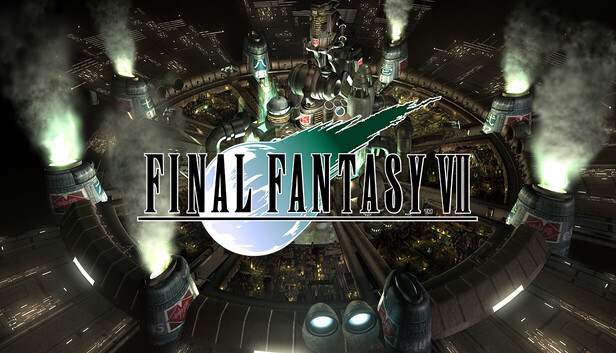
The world has fallen under the dominion of the Shinra Electric Power Company, a sinister corporation that has monopolized the planet's very life force as Mako energy. In the urban megalopolis of Midgar, an anti-Shinra rebel group calling themselves Avalanche have stepped up their campaign of resistance.
Cloud Strife, a former member of Shinra's elite SOLDIER unit now turned mercenary, lends his aid to the rebels, unaware that he will be drawn into an epic battle for the fate of the planet, while having to come to terms with his own lost past.
This product is an upgraded version of FINAL FANTASY VII – 2013 Edition with additional features (there are no changes or additions to the story).
Features
The following extra features are included:
3× speed mode
Play through the game at up to three times the speed! This feature can only be used in battle, travel, and select events.
Ability to turn battle encounters off
Activate this option to turn off random encounters. Story event battle still must be completed to advance the story.
Battle enhancement mode
Activate this mode to recover HP/MP during battles and max out the Limit gauge.
Additional notes: * Screen Resolution: 1920 x 1080 * The game may not run properly on systems using Intel Arc which do not meet the requirements for Resizable BAR.
Additional notes: * Screen Resolution: 1920 x 1080 * The game may not run properly on systems using Intel Arc which do not meet the requirements for Resizable BAR.
To activate the game, you need a Steam Account
Login or register at the official Steam Website and download Steam client
Install and start application, login with your Account name and Password
Click the Games Menu.
Choose Activate a Product on Steam...
Follow the onscreen instructions to complete the process
After the successful code verification, go to the "MY GAMES" tab and start downloading.
News & Updates
2026-08-21
The Biggest Games to Steal the Show at Gamescom 2026
Gamescom 2026 is coming at the end of this month with more than 900 exhibitors and we just wanted to showcase some of the upcoming games in the AAA titles category that you should definitely check out! So, be sure to go through our shortlisted future release hits in most gaming genre types, as we get ready to once again explore the world of Gamescom…
ACE COMBAT 8 Could Be the Series’ Most Ambitious Entry
The upcoming Ace Combat 8: Wings of Theve marks a completely new chapter in the popular flight shooting series, by effectively blending cinematic storytelling with the thrills of aerial combat like never before. Developed by Bandai Namco Aces Inc., the game will build upon the decades of established expertise in order to further boost the series’ strong sides…
This game's launcher/setup tool may require the touchscreen or virtual keyboard, or have difficult to read text
Some functionality is not accessible when using the default controller configuration, requiring use of the touchscreen or virtual keyboard, or a community configuration
Singleplayer gameplay requires an active Internet connection
This game does not default to external Bluetooth/USB controllers on Deck, and may require manually switching the active controller via the Quick Access Menu
This game shows Steam Deck controller icons
In-game interface text is legible on Steam Deck
This game's default graphics configuration performs well on Steam Deck