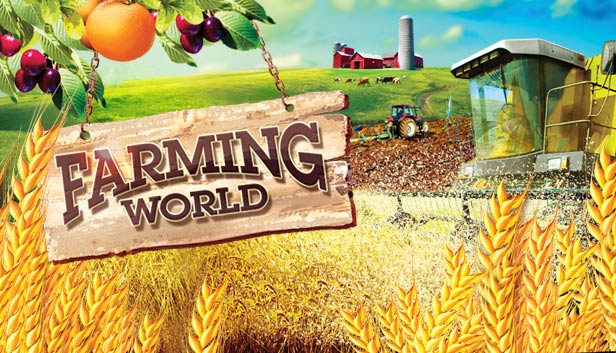
In Farming World you’ll own and run your own farm tending a range of livestock and growing crops on rented fields. As you progress, you’ll earn money from selling your animals and harvest at the market which will enable you to then purchase land and machinery to expand your business.
Like any farmer, you’ll also need to manage buildings, vehicles and your farm workers as well as a dairy and butchery.
Features:
Grow over 40 crops including vegetables, cereals, citrus fruits, nuts, berries, pomes and drupes.
Rear sheep, pigs, goats, cows, chickens, ostriches, ducks, horses, geese, turkeys and rabbits and attend to each one’s specific needs
Play against AI competitors
Operate a range of machinery for watering, milking, cheese production, pasteurisation and for the packaging of your products
Make sure you harvest before bad weather and irrigate before droughts
Sell your goods at market and your own farm shop at the highest price by storing them whilst the price is low
Buy the most fertile fields before your competitors do
Increasing difficulty levels see bank lending rates rise higher, weather less predictable and wholesale prices lower
Feedback allows you to make informed agricultural and commercial decisions
All rights reserved Excalibur Publishing @2014. All rights reserved Merge Games @2014
windows Minimum
OS: Windows XP (SP3)/Vista/7/8
Processor: Processor Dual core CPU 2.4 GHz
Memory: 2 GB RAM
Graphics: Dedicated graphics card with 256 MB memory (GeForce 7600 GT-class equivalent or better)
Storage: 500 MB available space
Directx: Version 9.0
Sound card: DirectX 9 compatible sound
macosx Minimum
OS: Mac OS 10.7
Processor: Dual core 2.4 GHz
Memory: 2 GB RAM
Graphics: Dedicated graphics card with 256 MB memory (GeForce 7600 GT-class equivalent or better)
Storage: 500 MB available space
Sound card: DirectX 9 compatible sound
To activate the game, you need a Steam Account
Login or register at the official Steam Website and download Steam client
Install and start application, login with your Account name and Password
Click the Games Menu.
Choose Activate a Product on Steam...
Follow the onscreen instructions to complete the process
After the successful code verification, go to the "MY GAMES" tab and start downloading.
News & Updates
2026-10-23
BOO! Giveaway - Win a Game of Your Choice
Make a purchase of any amount between 23.10.2026 15:00 CET and 28.10.2026 15:00 CET, submit your Order ID in our Gleam and get a chance to win a FREE GAME (up to 50€).…