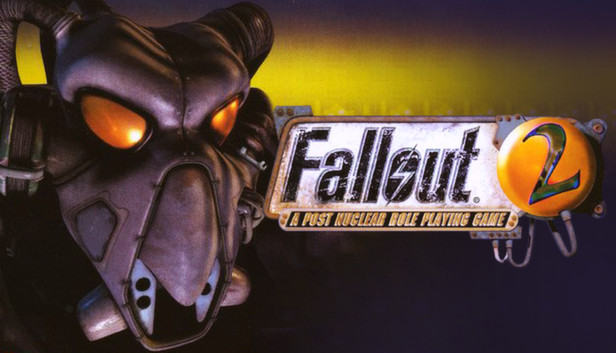
Fallout® 2 is the sequel to the critically acclaimed game that took RPG'ing out of the dungeons and into a dynamic, apocalyptic retro-future.
It's been 80 long years since your ancestors trod across the wastelands. As you search for the Garden of Eden Creation Kit to save your primitive village, your path is strewn with crippling radiation, megalomaniac mutants, and a relentless stream of lies, deceit and treachery. You begin to wonder if anyone really stands to gain anything from this brave new world.
Mastering your character's skills and traits for survival, Fallout® 2 will challenge you to endure in a post-nuclear world whose future withers with every passing moment...
windows Minimum
OS: Windows
Processor: Pentium 90Mhz or faster
Memory: 16 MB
Graphics: SVGA
Storage: 565 MB
Directx: Any DirectX
Sound card: DirectSound or SoundBlaster Compatible
To activate the game, you need a Steam Account
Login or register at the official Steam Website and download Steam client
Install and start application, login with your Account name and Password
Click the Games Menu.
Choose Activate a Product on Steam...
Follow the onscreen instructions to complete the process
After the successful code verification, go to the "MY GAMES" tab and start downloading.
News & Updates
2026-11-01
Dawn of War IV: Everything You Need to Know Before the Battle Begins
Warhammer 40,000: Dawn of War IV goes back hard to the roots of the RTS series with some very exciting strategy gameplay…
Some functionality is not accessible when using the default controller configuration, requiring use of the touchscreen or virtual keyboard, or a community configuration
This game shows Steam Deck controller icons
In-game interface text is legible on Steam Deck
This game's default graphics configuration performs well on Steam Deck