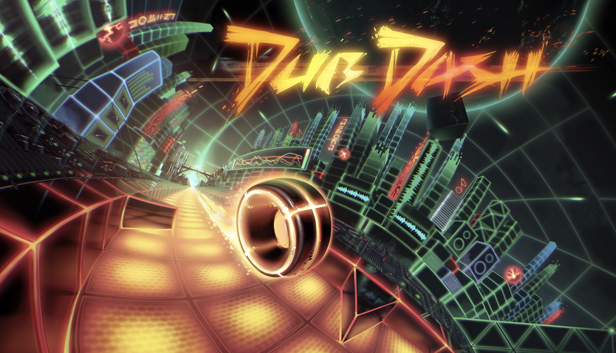
Dub Dash is a fast-paced rhythm based action game. The tracks are decomposed into diverging game mode segments. The obstacles, tracks and visual effects are all adjusted to the music and in perfect harmony with each song. Dub Dash has a great soundtrack including music from Bossfight and the DJs of Geometry Dash – to enjoy the full experience the use of headphones is highly recommended.
UP TO 4 PLAYER SPLIT-SCREEN MODE
Challenge your friends to the ultimate race in the breath taking Split-Screen competitive mode for up to four players simultaneously. Who will beat most of the level? Jump in and find out!
7 ULTRA CHALLENGING MODES
Spin your crazy wheel in harmony with the song and keep dodging left and right avoiding obstacles at high speed. Fly like a bird, make hard 90° turns and feel the rhythm of the zig-zag trajectory. The objective for each track is clear: Do you rock the funky road of Dub Dash?
PRACTICE MAKES PERFECT
The gameplay of each segment is simple but it´s tough to master the levels. Actually it´s extremely hard, almost impossible – but fortunately there´s the practice mode which gives you a save point after each passage so you won´t need to finish the whole level in one try. Memorize each segment of the level and maybe (only maybe) you will be able to master even the hardest levels someday.
Key Features:
Driving electronic soundtrack
Psychedelic graphical fireworks
“Easy to learn, hard to master” gameplay
All levels split in multiple gameplay sections
Gameplay technically synched to the music in the minutest detail
Use of all input devices (keyboard, gamepads, mouse – even racing wheels!)
Great soundtrack including tracks from Bossfight and DJs from Geometry Dash
Challenge mode featuring randomly generated levels to earn extra lives
Multiplayer mode for up to four players on split-screen
Practice mode for every level
Steam Controller support
Steam Achievements
windows Minimum
OS: Windows 7
Processor: 1.5+ GHz
Memory: 512 MB RAM
Graphics: OpenGL 2.1 support
Storage: 100 MB available space
macosx Minimum
OS: Mac OS X 10.8
Processor: 1.5+ GHz
Graphics: OpenGL 2.1 support
To activate the game, you need a Steam Account
Login or register at the official Steam Website and download Steam client
Install and start application, login with your Account name and Password
Click the Games Menu.
Choose Activate a Product on Steam...
Follow the onscreen instructions to complete the process
After the successful code verification, go to the "MY GAMES" tab and start downloading.
News & Updates
2026-08-21
The Biggest Games to Steal the Show at Gamescom 2026
Gamescom 2026 is coming at the end of this month with more than 900 exhibitors and we just wanted to showcase some of the upcoming games in the AAA titles category that you should definitely check out! So, be sure to go through our shortlisted future release hits in most gaming genre types, as we get ready to once again explore the world of Gamescom…
ACE COMBAT 8 Could Be the Series’ Most Ambitious Entry
The upcoming Ace Combat 8: Wings of Theve marks a completely new chapter in the popular flight shooting series, by effectively blending cinematic storytelling with the thrills of aerial combat like never before. Developed by Bandai Namco Aces Inc., the game will build upon the decades of established expertise in order to further boost the series’ strong sides…
Some functionality is not accessible when using the default controller configuration, requiring use of the touchscreen or virtual keyboard, or a community configuration
This game sometimes shows mouse, keyboard, or non-Steam-Deck controller icons
In-game interface text is legible on Steam Deck
This game's default graphics configuration performs well on Steam Deck