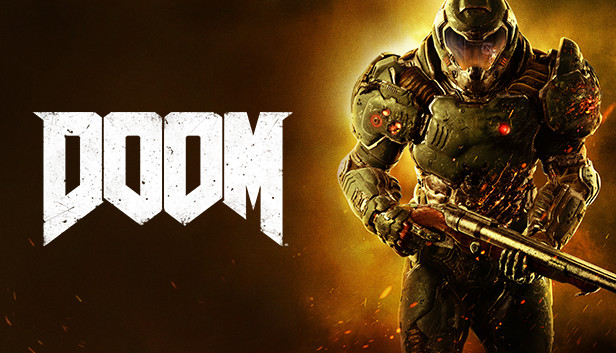
Developed by id software, the studio that pioneered the first-person shooter genre and created multiplayer Deathmatch, DOOM returns as a brutally fun and challenging modern-day shooter experience. Relentless demons, impossibly destructive guns, and fast, fluid movement provide the foundation for intense, first-person combat – whether you’re obliterating demon hordes through the depths of Hell in the single-player campaign, or competing against your friends in numerous multiplayer modes. Expand your gameplay experience using DOOM SnapMap game editor to easily create, play, and share your content with the world.
STORY:
You’ve come here for a reason. The Union Aerospace Corporation’s massive research facility on Mars is overwhelmed by fierce and powerful demons, and only one person stands between their world and ours. As the lone DOOM Marine, you’ve been activated to do one thing – kill them all.
Key Features:
A Relentless Campaign. There is no taking cover or stopping to regenerate health as you beat back Hell’s raging demon hordes. Combine your arsenal of futuristic and iconic guns, upgrades, movement and an advanced melee system to knock-down, slash, stomp, crush, and blow apart demons in creative and violent ways.
Return of id Multiplayer. Dominate your opponents in DOOM’s signature, fast-paced arena-style combat. In both classic and all-new game modes, annihilate your enemies utilizing your personal blend of skill, powerful weapons, vertical movement, and unique power-ups that allow you to play as a demon.
Endless Possibilities. DOOM SnapMap – a powerful, but easy-to-use game and level editor – allows for limitless gameplay experiences on every platform. Without any previous experience or special expertise, any player can quickly and easily snap together and visually customize maps, add pre-defined or completely custom gameplay, and even edit game logic to create new modes. Instantly play your creation, share it with a friend, or make it available to players around the world – all in-game with the push of a button.
Additional notes: Requires Steam activation and broadband internet connection for Multiplayer and SnapMap
To activate the game, you need a Steam Account
Login or register at the official Steam Website and download Steam client
Install and start application, login with your Account name and Password
Click the Games Menu.
Choose Activate a Product on Steam...
Follow the onscreen instructions to complete the process
After the successful code verification, go to the "MY GAMES" tab and start downloading.
News & Updates
2026-04-15
Complete Our Side Quest and Win
As you probably know, in a huge variety of game titles there are usually a lot of mainline task objectives, but very often there are multiple side quests that would advance you further in the gameplay. This is exactly why we decided to run a Side Quest promotion on our YUPLAY site. In order to participate in it you have to make an order over 20€ between 17.04.2026 18:10 CET and 20.04.2026 02:00 CET, and you will get a 1€ voucher for next purchase…
The Easter season is here and since we like this part of the year so much, we have made sure to have prepared a special YUPLAY promotional campaign for those of you that are ready to go into the Raid Party and grab a FREE gaming title. All you have to do is make an order above 20€ between 02.04.2026 15:00 CET and 08.04.2026 15:00 CET, and you will get a FREE game as ab Easter present from us…
This game does not default to external Bluetooth/USB controllers on Deck, and may require manually switching the active controller via the Quick Access Menu
All functionality is accessible when using the default controller configuration
This game shows Steam Deck controller icons
In-game interface text is legible on Steam Deck
This game's default graphics configuration performs well on Steam Deck