2026-10-23
BOO! Giveaway - Win a Game of Your Choice
Make a purchase of any amount between 23.10.2026 15:00 CET and 28.10.2026 15:00 CET, submit your Order ID in our Gleam and get a chance to win a FREE GAME (up to 50€).…



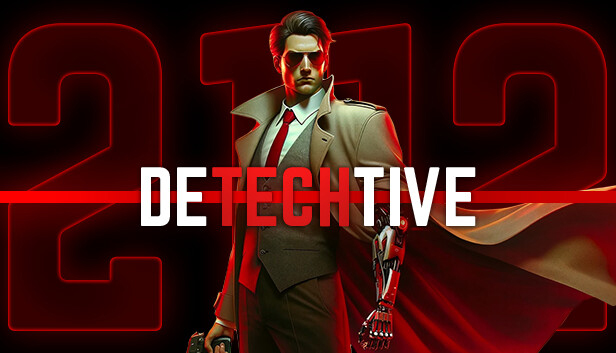
The year is 2112, and the world is no longer the same. In the crumbling remains of a country once known as England, Detective Matthew Wallace—a man with a mysterious past—works as a private investigator. After returning from the Third World War, Matthew takes on an off-the-record case with only one ally: Abigail, a resourceful young secretary. Together, they uncover the dark secrets of the city’s elite while confronting shadows from Matthew’s past in a series of interconnected cases.
Dive into 5 unique cases, each with its own gripping mini-story, distinct map, and atmospheric locations. Every case offers new challenges and mysteries. The choice of how to approach and solve them—stealth, strategy, or all-out combat—is entirely yours.
Experience DeTechtive 2112, a story-driven action-adventure where up to 4 players can team up to solve a grand mystery across unique maps and gripping cases. Engage in thrilling combat against enemies or use stealth to take down foes silently and strategically. Whether you choose to fight, sneak, or outwit your enemies, every decision will bring you closer to unraveling the truth—and learning whether some things are better left undiscovered.
Immerse yourself in a rain-soaked, neon-lit city brought to life with Unreal Engine 5. With a striking noir cyberpunk aesthetic, atmospheric detail, and a unique narrative experience, DeTechtive 2112 invites you to explore shadowed alleys, flickering neon signs, and towering skyscrapers—where every corner holds a story waiting to be uncovered.