
2026-10-23
BOO! Giveaway - Win a Game of Your Choice
Make a purchase of any amount between 23.10.2026 15:00 CET and 28.10.2026 15:00 CET, submit your Order ID in our Gleam and get a chance to win a FREE GAME (up to 50€).…



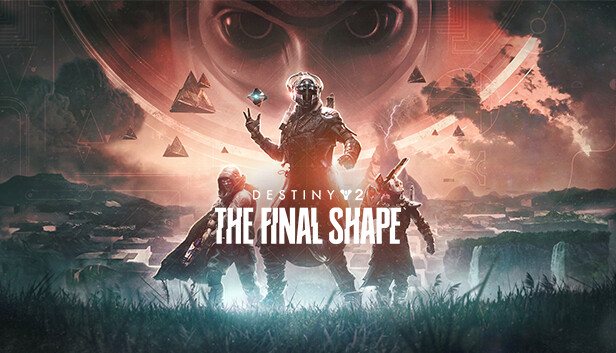
The Standard edition of The Final Shape includes the new story campaign, three new Supers, a new destination, new weapons and armor to collect, and the first Episode in the year of The Final Shape.
The Final Shape looms—a nightmarish calcification of reality into the Witness's twisted design. Embark on a perilous journey into the heart of the Traveler, rally the Vanguard, and end the War of Light and Darkness.
Defeating the Witness will require untold power. Arc Hunters, Void Titans, and Solar Warlocks; master a new Super within your arsenal and confront oblivion.
Adventure through an impossible landscape that bends time and space. Follow the Witness and behold what lies within the Traveler.
Minimum 105 GB available hard drive storage space required as of November 10, 2020. Storage requirements subject to increase. After November 10, 2020, see www.destinythegame.com/size-requirements for current requirements prior to purchase. May require additional storage for set-up, features and updates, including to download mandatory in-game updates to continue playing. Users responsible for fees for broadband internet, which is required. Additional charges may apply for online content and features
Destiny 2 may contain flashing patterns and images that may produce adverse effects for a small percentage of people sensitive to them.
Using the software constitutes acceptance of the Destiny Software License Agreement at www.bungie.net/sla. Bungie may modify or discontinue online services without notice at any time.
© 2023 Bungie, Inc. All rights reserved. Destiny, the Destiny Logo, Bungie and the Bungie Logo are among the trademarks of Bungie, Inc.