2026-10-02
YXP Extra Event: Give Your Next Rank a Boost!
Earn 50 BONUS YXP with every €10+ order! Boost your progress, climb the ranks, and get more from your next purchase during the YXP Extra Event.



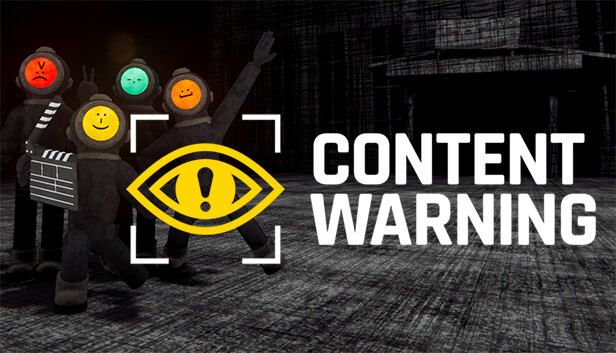
Get famous or die trying! Content Warning is a co-op horror game where you film spooky stuff with your friends to try and go viral.
Squad up, customize your face with the ASCII face customiser, buy some gear and use the diving bell to go down to the Old World!
Down there you’ll encounter scary physics-animated monsters, cursed relics and other artefacts!
Film as many scary things as possible before you run out of oxygen, camera battery or friends…
If you survive, you need to get back in the diving bell to transport you and the remaining members of your team to the surface.
Upload your chaotic footage to SpöökTube, settle in for a watch party, and wait for the views to tick up!
Every run goes on for 3 days, the more scary stuff you film, the more you go viral. The ad revenue from your SpöökTube videos enables you to upgrade your gear to film better videos and survive more easily in the Old World.
If your team accumulates enough views in three days - you get to keep going with your SpöökTube Career and live a life of fame and fortune!
You can also sign up for sponsorship deals to earn MC to purchase island upgrades and hats!
WHAT COULD POSSIBLY GO WRONG!
For every video you upload to SpöökTube you get ad revenue to spend on fun and useful items in the store, like upgraded gear, emotes, props and medical equipment!
Customize your face using your keyboard and with the game's ASCII-face-customizer!