Company of Heroes 2 Victory at Stalingrad Mission Pack
Company of Heroes 2 The Western Front Armies: Oberkommando West
Company of Heroes 2 The Western Front Armies: US Forces
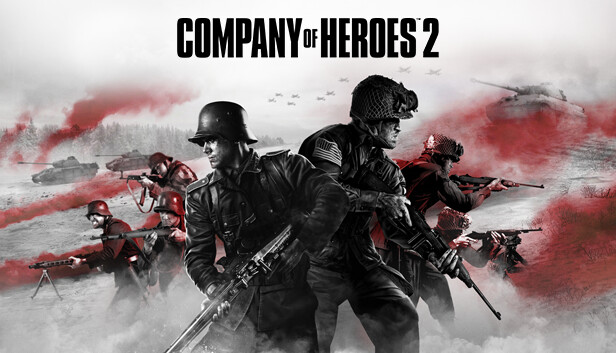
Powered by the Essence Engine 3.0, the Company of Heroes 2 series feature some unique mechanics rewarding thoughtful players. From the TrueSight™ system that emulates the units’ line of sight to the cover-system that encourages clever unit placement – not to mention the combined arms approach and the hard and soft counters gameplay that will make you think twice before trying to destroy a tank with a simple squad of riflemen – each game presents players with an uninterrupted stream of meaningful tactical choices that can turn the tide of war.
Graphics: 1024 MB Direct3D 11 capable video card (GeForce GTX 470 or Radeon HD 5850)
Storage: 30GB free Hard disc space
Network: Broadband Internet connection
windows Minimum
OS: 32bit Vista
Processor: 2Ghz Intel Core2 Duo or equivalent
Memory: 2GB RAM
Graphics: 512MB Direct3D 10 capable video card (GeForce 8800 GT or Radeon HD 2900XT)
Storage: 30GB free Hard disc space
Network: Broadband Internet connection
To activate the game, you need a Steam Account
Login or register at the official Steam Website and download Steam client
Install and start application, login with your Account name and Password
Click the Games Menu.
Choose Activate a Product on Steam...
Follow the onscreen instructions to complete the process
After the successful code verification, go to the "MY GAMES" tab and start downloading.
News & Updates
2026-07-07
The Best Warhammer 40K Games Every Fan Should Play (Part I)
The Warhammer 40K series of games has never seized to amaze and introduce outstanding titles in multiple genres, thus expanding the Warhammer 40K Universe immensely for decades! We decided to compile an extensive list with some of the more prominent gaming experiences to try out in the collection for this popular franchise that you could get from Steam…
The month of June kept things in the gaming world quite heated and summer is just beginning! We have the latest important updates prepared and they are certainly ones you should check out as the rest of the year shapes up to have outstanding titles coming up! Read on and find out everything about it in the following stories.
Some functionality is not accessible when using the default controller configuration, requiring use of the touchscreen or virtual keyboard, or a community configuration
This game sometimes shows mouse, keyboard, or non-Steam-Deck controller icons
Entering some text requires manually invoking the on-screen keyboard
Some in-game text is small and may be difficult to read
Singleplayer gameplay requires an active Internet connection
This game's default graphics configuration performs well on Steam Deck