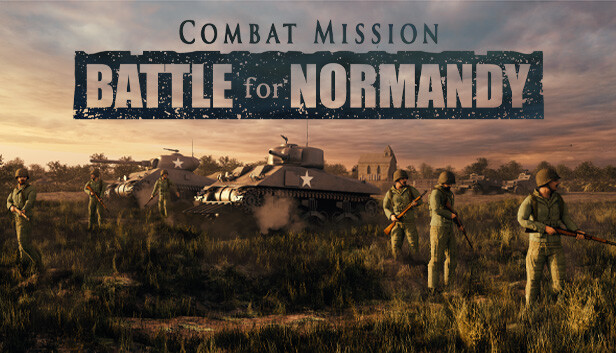
Combat Mission: Battle for Normandy faithfully recreates the experience of tactical land warfare in Western France during World War Two. The Base Game covers the three month period following the Allied D-Day landings, from Operation Overlord in June through the Cobra Breakout in August. The tough fight has become the stuff of legend and Combat Mission's high standards for accuracy and detail means you'll experience the fighting as realistically as can be.
Command the full array of American and German Heer formations fighting along the coast through to the interior of France. Four challenging campaigns, 21 standalone scenarios, and a plethora of Quick Battle maps will test your tactical acumen. Matching the painstakingly researched battles is the highly detailed combat equipment, including 67 vehicles and dozens of various small arms and heavy weapons.
Features
Tactical warfare at battalion and below scale in a true 3D environment
Command individual vehicles, teams and squads
Expansive simulation of “soft factors” such as Morale, Experience and Leadership
Innovative systems portraying Fog of War, Spotting, Line of Sight, Command & Control and Objectives
Unmatched realistic physics, ballistics and battlefield effects
Fight in a wide range of weather and lighting conditions, all of which realistically impact fighting abilities
Unique hybrid system for RealTime and WeGo (turn based) play
Full featured Editor for maps, scenarios, and campaigns
Quick Battle system sets up deliberate or randomized battles based on player specifications
Single player and head to head play, including Play By Email (PBEM+++)
Supported for the long haul with patches, upgrades and expansions
windows Minimum
OS: Windows 7
Processor: Pentium IV 1.8 Ghz or equivalent speed AMD processor
Memory: 4 GB RAM
Graphics: 256 MB VRAM or better and must support 1024x768 or higher resolution in OpenGL ***IMPORTANT*** Not all Intel integrated video cards will play the game.
Login or register at the official Steam Website and download Steam client
Install and start application, login with your Account name and Password
Click the Games Menu.
Choose Activate a Product on Steam...
Follow the onscreen instructions to complete the process
After the successful code verification, go to the "MY GAMES" tab and start downloading.
News & Updates
2026-10-23
BOO! Giveaway - Win a Game of Your Choice
Make a purchase of any amount between 23.10.2026 15:00 CET and 28.10.2026 15:00 CET, submit your Order ID in our Gleam and get a chance to win a FREE GAME (up to 50€).…