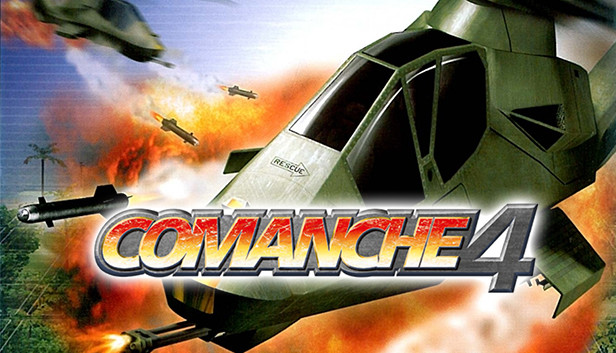
The best-selling Comanche series returns with this fast-paced action game that places you at the controls of a Comanche RAH-66 helicopter. In 6 single player campaigns and multiplayer, the game combines serious firepower with effortless controls and stunning, interactive terrain.
Key Features:
NON-STOP ASSAULT — Blast away at tanks, jets, aircraft carriers, helicopters, missile-launching troops and more.
UNLEASH THE POWER — Shoot Hellfire and Stinger missiles, rockets and a 20mm cannon.
AIRBORNE IN MINUTES — Quickly master flying and fighting using the keyboard & mouse, or for the sim fan, joystick, throttle & pedal controls.
STUNNING INTERACTIVE TERRAIN — Immerse yourself in detailed environments with rotor wash, shadows, terrain scarring and spectacular explosions.
6 EXTREME CAMPAIGNS — Fly across urban, forest, arctic, desert and sea environments while you protect diplomats, support Delta Force, subdue renegade forces, attack warships and more.
Some functionality is not accessible when using the default controller configuration, requiring use of the touchscreen or virtual keyboard, or a community configuration
This game sometimes shows mouse, keyboard, or non-Steam-Deck controller icons
Entering some text requires manually invoking the on-screen keyboard
This game doesn't support Steam Deck's native display resolution and may experience degraded performance
In-game interface text is legible on Steam Deck
This game's default graphics configuration performs well on Steam Deck