2026-10-02
YXP Extra Event: Give Your Next Rank a Boost!
Earn 50 BONUS YXP with every €10+ order! Boost your progress, climb the ranks, and get more from your next purchase during the YXP Extra Event.



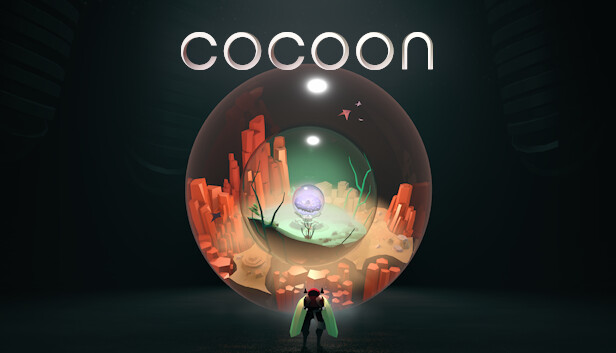
From Jeppe Carlsen, the lead gameplay designer of LIMBO and INSIDE — COCOON takes you on an adventure across worlds within worlds. Master world-leaping mechanics to unravel a cosmic mystery.
Worlds within Worlds
COCOON is a unique take on the puzzle adventure genre, where each world exists within an orb that you can carry on your back. Wrap your head around the core mechanic of leaping between worlds—and combine, manipulate, and rearrange them to solve intricate puzzles.
Alien Machinery
Interact with alien environments and biomechanical devices left behind by an ancient civilization. Journey through unique and diverse biomes, from industrial structures to massive organic caverns, and discover how they are connected to one another.
Orb Abilities
Each orb has an ability that can be unlocked, thereby turning the orb into a unique tool for you to utilize within other worlds. Use these abilities to uncover hidden pathways and objects, fire projectiles to trigger switches, and more.
Monstrous Guardians
Mighty guardians protect every world, and you must face them in fierce battles. Each fight is unique and requires you to master new and satisfying mechanics.