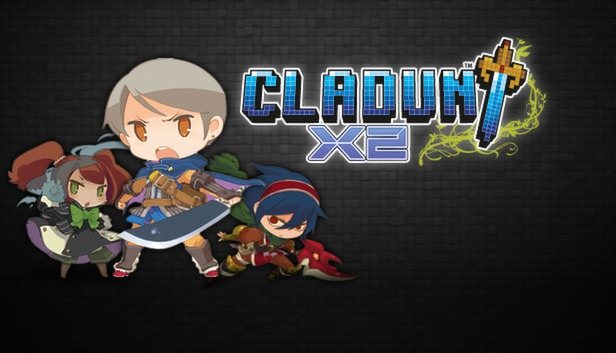
Cladun X2 is a hack n' slash dungeon crawler with a retro RPG finish and a nearly infinite level of character customization. From stats to equipment to character classes to creating your own hero, Cladun X2 promises an addicting experience that gamers new and old will fully enjoy.
Key features
Randomly generated dungeon maps
Fully customizable characters using an in-game paint app
Processor: Core i5-2400 3.1 GHz/Athlon II X4 651 3 GHz
Memory: 1 GB RAM
Graphics: GeForce8600/RADEON HD2600
Storage: 500 MB HD space
Sound card: Standard onboard sound card
Additional notes: Broadband Internet connection
To activate the game, you need a Steam Account
Login or register at the official Steam Website and download Steam client
Install and start application, login with your Account name and Password
Click the Games Menu.
Choose Activate a Product on Steam...
Follow the onscreen instructions to complete the process
After the successful code verification, go to the "MY GAMES" tab and start downloading.
News & Updates
2026-04-21
From Wishlist to Courtroom: The Steam Lawsuits Explained
There have been numerous Steam court case lawsuits throughout the years and ever since the start of the year they have made the pile even bigger! We decided to check out some of the latest accusations against the popular gaming platform as well as go through some of the previous cases that caused a stir of Valve legal issues in the past! Gabe Newell and Valve have definitely not been strangers to the court system…
As you probably know, in a huge variety of game titles there are usually a lot of mainline task objectives, but very often there are multiple side quests that would advance you further in the gameplay. This is exactly why we decided to run a Side Quest promotion on our YUPLAY site. In order to participate in it you have to make an order over 20€ between 17.04.2026 18:10 CET and 20.04.2026 02:00 CET, and you will get a 1€ voucher for next purchase…
Some functionality is not accessible when using the default controller configuration, requiring use of the touchscreen or virtual keyboard, or a community configuration
This game sometimes shows mouse, keyboard, or non-Steam-Deck controller icons
This game does not default to external Bluetooth/USB controllers on Deck, and may require manually switching the active controller via the Quick Access Menu
In-game interface text is legible on Steam Deck
This game's default graphics configuration performs well on Steam Deck