2026-10-23
BOO! Giveaway - Win a Game of Your Choice
Make a purchase of any amount between 23.10.2026 15:00 CET and 28.10.2026 15:00 CET, submit your Order ID in our Gleam and get a chance to win a FREE GAME (up to 50€).…



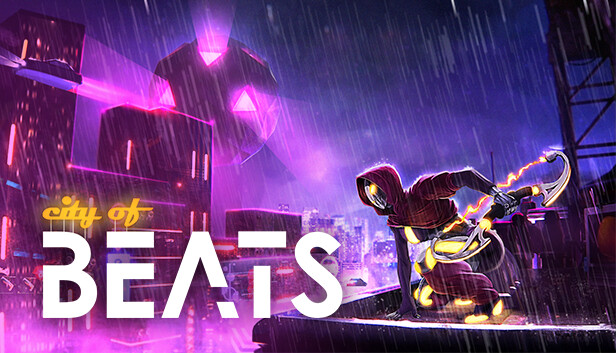
Music is everywhere in the City of Beats and drives absolutely everything in this rogue-lite, twin-stick shooter. Listen to the beat, get into the flow, and unleash bullet hell on the rooftops of the City, blasting through legions of hostile robots.
Don't worry about the damage. Humans left a while ago, and it's just us androids up here. Well, androids and robots, controlled by an ornery rogue A.I., the Zeitgeber, trying to impose its own groove on all robo-kind. Someone should do us all a favor and get out there to pull the plug, yeah?
Everything's driven by music. Literally everything. Weapons, enemies, environmental hazards, it all grooves to the underlying beat.
Listen to the music to anticipate attacks, time dodges, and avoid traps - also knowing when to fire, use special skills, and unleash charged super attacks.
Master the flow of the beat and dance atop skyscrapers to become unstoppable.
Embark on endless expeditions across procedurally generated maps. No two playthroughs are the same, meaning different enemies, encounters, and upgrades each and every time.
Experiment with different builds during each run. What will the beat bring tonight? Damage modifiers? Shield boosts? Quirky mutators that can completely alter the flow of combat? Only the music knows!
Make an orchestra of funky friends. Rogue repair-bots down on their luck! Surprisingly honest merchants! Shady robotic bonesaws looking to take some of your juice in exchange for illicit upgrades! The beat brings together all walks of synthetic life.
You only get one life, but fret not, destruction is only an inconvenience for an android.
Back in the hub, upgrade core traits, buy new weapons and equip extensions, and make sure to stretch before getting ready for another dance number.