2026-10-02
YXP Extra Event: Give Your Next Rank a Boost!
Earn 50 BONUS YXP with every €10+ order! Boost your progress, climb the ranks, and get more from your next purchase during the YXP Extra Event.



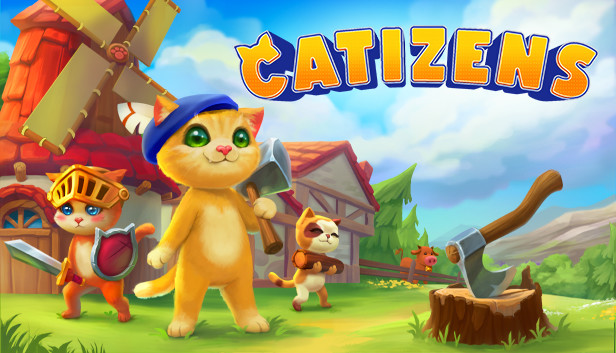
Your main job in Catizens is to build your town around the personality traits of its inhabitants. Just like in real life, cats require personal attention and special treatment. Combinations of different personality traits and moods affect their proficiency and obedience. Catizens form relationships with each other and will occasionally issue personal requests, so you will need to learn what makes each cat happy in order to stay on their good side.
Pick from an assortment of facial and body features, as well as personality traits to create cats with distinct looks and temperaments. Design a place just for them by decorating your settlements with pieces of furniture, plants and other items. The better furnished a town is, the happier your catizens will be. So get creative!
Catizens can learn a variety of professions – from farming, to blacksmithing or offering protection from local wildlife. Different building types unlock depending on the traits and professions available. There’s no need to micromanage the entire settlement when it gets large. Invest your time and attention in a few outstanding cats and let them become town leaders.
Develop your settlement, complete objectives and expand to areas with different environments that offer new adventures. Carefully examine your surroundings to find the best fishing spots, hidden treasures and quirky characters that may offer a quest.