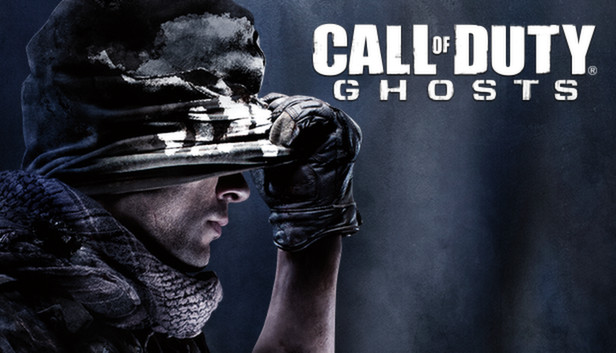
Call of Duty®: Ghosts is an extraordinary step forward for one of the largest entertainment franchises of all-time. This new chapter in the Call of Duty® franchise features a new dynamic where players are on the side of a crippled nation fighting not for freedom, or liberty, but simply to survive.
Fueling this all new Call of Duty experience, the franchise's new next-gen engine delivers stunning levels of immersion and performance, all while maintaining the speed and fluidity of 60 frames-per-second across all platforms.
Processor: Intel® Core™ 2 Duo E8200 2.66 GHZ / AMD Phenom™ X3 8750 2.4 GHZ or better
Memory: 6 Gb
Graphics: NVIDIA® GeForce™ GTS 450 / ATI® Radeon™ HD 5870 or better
Storage: 40 GB
Directx: 11
To activate the game, you need a Steam Account
Login or register at the official Steam Website and download Steam client
Install and start application, login with your Account name and Password
Click the Games Menu.
Choose Activate a Product on Steam...
Follow the onscreen instructions to complete the process
After the successful code verification, go to the "MY GAMES" tab and start downloading.
News & Updates
2026-10-23
BOO! Giveaway - Win a Game of Your Choice
Make a purchase of any amount between 23.10.2026 15:00 CET and 28.10.2026 15:00 CET, submit your Order ID in our Gleam and get a chance to win a FREE GAME (up to 50€).…
This game requires manual configuration of graphics settings to perform well on Steam Deck
This game does not default to external Bluetooth/USB controllers on Deck, and may require manually switching the active controller via the Quick Access Menu
All functionality is accessible when using the default controller configuration