2026-10-23
BOO! Giveaway - Win a Game of Your Choice
Make a purchase of any amount between 23.10.2026 15:00 CET and 28.10.2026 15:00 CET, submit your Order ID in our Gleam and get a chance to win a FREE GAME (up to 50€).…



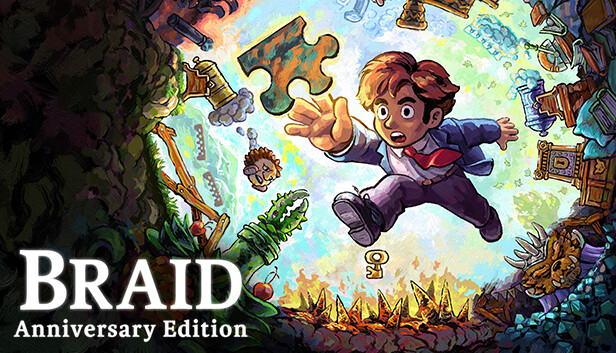
Control the flow of time to solve subtle platform puzzles in this update of the indie classic Braid, featuring refreshed artwork and seriously in‑depth creator commentary.
Travel from a city house through a series of interconnected worlds where time behaves strangely, searching for an elusive Princess. Along the way you’ll explore memories and regrets that still haunt you.
This Anniversary Edition remaster of the award‑winning platformer contains fully repainted high‑resolution graphics, new sound effects and extensive audio commentary.
Rewind, pause and use the strange properties of time in each world to run and jump through beautifully painted environments. Avoid hazards, unlock doors and collect jigsaw puzzle pieces to assemble. If you get hung up on a particular puzzle, feel free to move on and return later.
This is the game you remember, with all the original challenges and the same haunting, evocative score — but repainted pixel by pixel so that each carefully rendered world comes to life in high resolution.
New visual details, animated brushstroke effects and revamped sounds add to the immersive experience.
Explore the most extensive developer commentary ever put into a game, with over 15 hours of recorded insight and conversation from developer Jonathan Blow, artist David Hellman and more members of the Braid creative team.
Navigate it by visiting a new in‑game world, which also contains new puzzles and redesigns of classic puzzles.