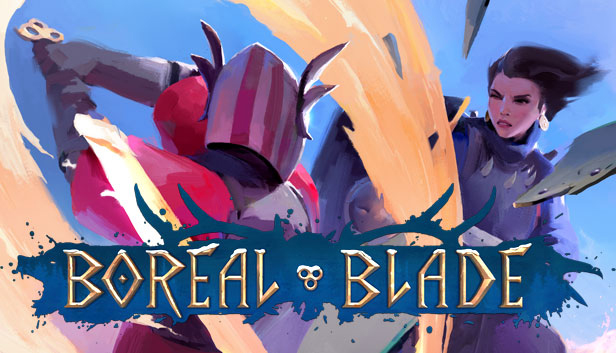
Boreal Blade is a team-based melee fighting game with a focus on player vs player combat, combining reactive and tactical gameplay with extraordinary freedom to variate your attacks and develop your unique fighting style.
The game features four distinctive fighting styles with the possibility to choose between one-handed and two-handed weapons, a shield and a weapon combo, long thrusting pole weapons and fighting unarmed. Players can even throw items during battle! Three armour classes with their strengths and weaknesses are also included to guarantee a varied, ever-alterable fighting experience. Arm yourself and prepare to dive into the battle!
KEY FEATURES
Reactive and tactical gameplay: Complete freedom of attack and block direction performed with simple controls, allowing players to concentrate on their battle tactics and series of manoeuvres and to control the flow of the battle. There are hundreds of ways to variate attacks and players have complete freedom to move the weapon and player character around, encouraging them to experiment and find the fighting style that suits them best.
Four multiplayer game modes: Players can charge into combat together with their clan mate warriors in Team Deathmatch and Boreal Battle modes where two teams go up against each other. Boreal Claim mode consists of two teams who take turns attacking or defending a banner against the other team. In Deathmatch it is everyone for themselves – the first warrior to get 20 kills wins the match!
Four different fighting styles: Hundreds of weapons, shields, pieces of armour and battle items for developing customized fighting styles and battle tactics.
Detailed character creation and game world: Create your warrior and choose their equipment, accessories and weapons and customize their appearance with jewellery, facial hair and armour dyes. Explore the different fighting arenas across the Nordic mythology inspired, paintinglike Norvalg.
Make a purchase of any amount between 23.10.2026 15:00 CET and 28.10.2026 15:00 CET, submit your Order ID in our Gleam and get a chance to win a FREE GAME (up to 50€).…