2026-10-23
BOO! Giveaway - Win a Game of Your Choice
Make a purchase of any amount between 23.10.2026 15:00 CET and 28.10.2026 15:00 CET, submit your Order ID in our Gleam and get a chance to win a FREE GAME (up to 50€).…



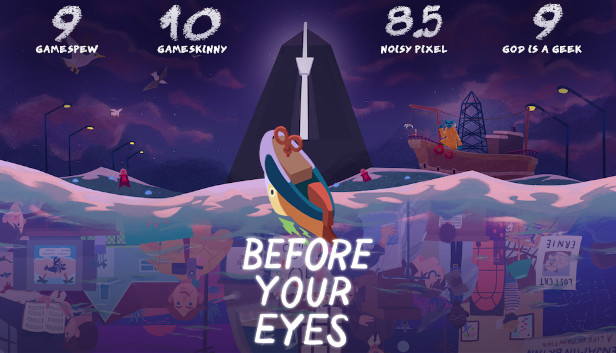
For the full experience with blink interaction, be sure to use a webcam.
Before Your Eyes is a first person narrative adventure which tells the story of a soul’s journey into the afterlife using a new and innovative form of interaction—your real-life blinks.
The story begins after your death, aboard the ship of a mythical Ferryman tasked with shepherding souls to the afterlife. In order to help you pass on, he must first learn the story of your life. And so, he sends you back to relive your most important moments.
The game uses your webcam to immerse you in this story in a way you've never experienced before. You will learn to control the flow of the narrative with your actual eyes–blinking through precious memories of family, first love, and the rise of an artistic career. But soon the Ferryman will suspect you aren't showing him everything he needs to see. So he will force you deeper into the dark recesses of your most repressed memories, ultimately revealing a heartbreaking truth.
By combining its innovative blink interaction mechanic with a charming world and a fully voice-acted story, Before Your Eyes is a deeply emotional and relatable journey—one about the impossible expectations we place on ourselves and the regrets we carry with us.
An earlier version of the game, titled Close Your, received the Game Developers Choice award at Indiecade and the Student Award at the Independent Game Awards (IGF), before receiving funding through a successful Kickstarter campaign.