2026-11-09
Escape the Curse and Win a Free Game at YUPLAY!
For every purchase over 13€ made between 12.11.2026 13:40 CET and 14.11.2026 15:00 CET you will get a FREE game…



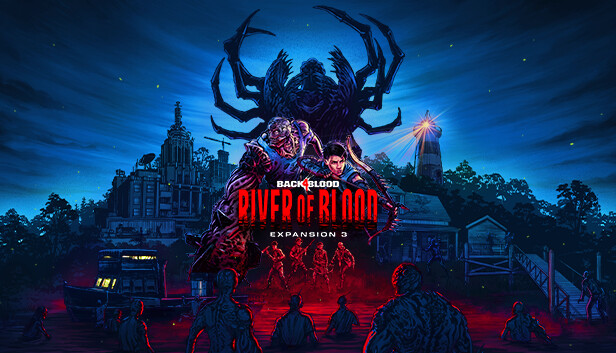
River of Blood features a brand-new Act 6 story campaign. This enthralling five map mission has players traveling upriver, stopping at different points along the way to collect supplies and defeat new enemies. The expansion introduces “Tala,” a former Cultist Outcast now turned Cleaner. Accompanying her is her companion “Jeff,” a friendly Tallboy who is summoned when using the whistle which will spawn somewhere in the map when Tala is on the team and whistled for by Tala or other Cleaners. Jeff causes ultimate mayhem when called. River of Blood also includes eight exclusive character skins and 12 exclusive weapon skins, along with new weapons, accessories, and cards.
Additionally, a brand-new Trial of the Worm mode has been added to River of Blood. Trial of the Worm is a new co-operative PvE mode free to all players, where players choose their path down a four map chain while earning points along the way. Players can add Corruption Modifiers and vote for their next map to boost points at the cost of increasing difficulty. Players have the challenge of completing all four maps to earn spots on leaderboards for glory.