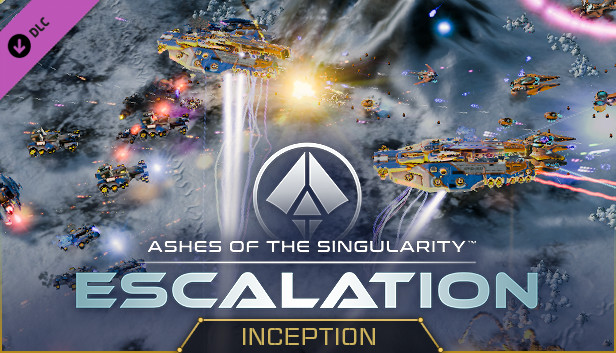
Choose your story in “Inception,” the first split-faction scenario in Ashes of the Singularity: Escalation. A mysterious entity known as Nihilon has returned to wreak havoc on the planet Oneiros and has seized control of some of the Substrate consciousnesses residing there. As the Substrate, you must rescue your corrupted brethren and find out what Nihilon has done - as the PHC, your only concern is neutralizing both threats entirely. Which battle will you fight?
The Inception DLC also adds a new variety of maps perfect for facing down hordes of computer adversaries or engaging online in some brawls with friends.
Features:
New Scenario
Inception - This split scenario lets you choose which faction to play as! An entity known as Nihilon is back and has corrupted all consciousnesses on the planet of Oneiros. Lead the rest of the Substrate into the fray to learn what Nihilon has done to your corrupted brethren, or command the PHC to destroy both the corrupted Substrate entities and Nihilon once and for all. The outcome of the scenario changes based on which faction you choose; play them both to get the full story.
New Maps:
Oneiros - Wage war with up to 7 players on this unusual planet. With a strong central starting position, resource-rich but vulnerable north and south positions, and four isolated corner starts, this map is great for a tight free-for-all match.
Bayern - This symmetrical Terran map supports up to 3 players. Each starting location is vulnerable from one direction and the massive metal deposits in the middle of the map are enough to lure even your toughest turtler out of isolation.
Brasil - This large 10 player ice map challenges you to defend your starting area while you try to make your way to the astoundingly rich central valley without falling victim to your opponent’s attacks.
Polska - Up to 5 players can brawl on this desert map with strategically critical hills that command the passages between regions.
Additional notes: 1920x1080 Display Resolution or Higher
To activate the game, you need a Steam Account
Login or register at the official Steam Website and download Steam client
Install and start application, login with your Account name and Password
Click the Games Menu.
Choose Activate a Product on Steam...
Follow the onscreen instructions to complete the process
After the successful code verification, go to the "MY GAMES" tab and start downloading.
News & Updates
2026-10-23
BOO! Giveaway - Win a Game of Your Choice
Make a purchase of any amount between 23.10.2026 15:00 CET and 28.10.2026 15:00 CET, submit your Order ID in our Gleam and get a chance to win a FREE GAME (up to 50€).…