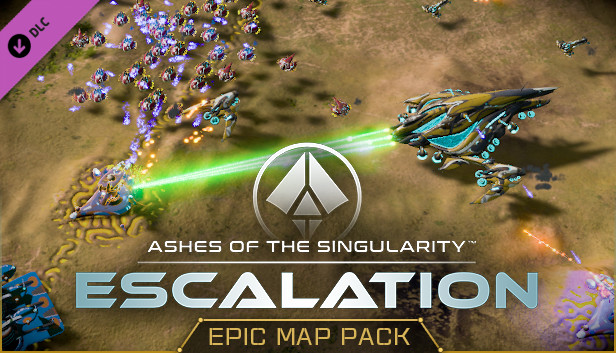
Grab your friends - and your enemies - for some matches of epic proportions on these new, large-sized maps! Holding between 4 and 6 players, each map provides exciting opportunities for free-for-all matches, large team matches, and more. The new scenario will leave you fighting for a planet’s control against the enemy Substrate in order to hold onto your fortified plateau long enough to seize victory.
Key Features:
New Scenario
Against all Odds - Intruder, alert! You’ve hacked your way into the Nexus that controls both Turinium generators on the planet Qoshyk, but the 4 Substrate entities controlling the planet are now aware of your presence. Mac has subverted the nearby Substrate Guardian and the automated construct swarms are being held in check for now, but how long will that last?
New Maps
Anishanaa: This 6-player map contains isolated starting regions that funnel into epic battles along the map’s equator.
Kursck: Keep your enemies out and your armies flowing by building up defenses on this large, radially symmetrical map.
Pinwheel: Endlessly turning one before the other, don’t become too focused on the fight in front of you - the fight from behind will sneak up sooner than you realize.
Qoshyk: Two central starting points share a resource-rich plateau. The four outer players must break through to seize the resources - and the Turinium - that are guarded within.
Safeire: Choose different teams and starting locations to change the way this map plays. Choosing an Eastern or Western starting point makes for a slower and more expansive game while selecting a Northern or Southern starting point will make for more immediate conflicts.
Xenophile: All four Nexuses start in the middle, separated only by thin chasms. Expand out into the fields to claim all of the resources before your enemies do and seal the victory.