This content requires the base game in order to play:Aragami
Game Description
System Requirements
Activation Details
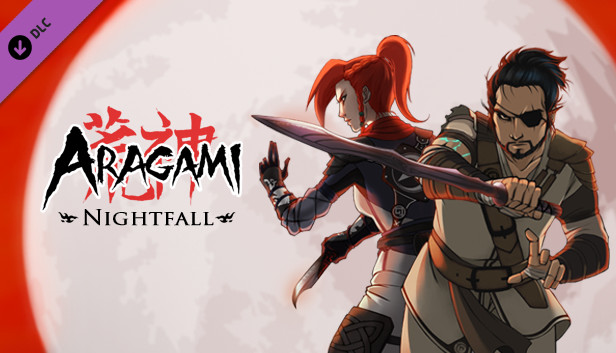
Aragami: Nightfall is the first story expansion to the celebrated stealth-action game by Lince Works. Aragami: Nightfall is a new campaign taking place before the events of Aragami, which will provide you with new challenges and more complex scenarios for experienced players, as well as proving a crucial chapter in the story of Aragami, in which you will play the events that led to the awakening of Aragami.
In Aragami: Nightfall, shadow assassins Hyo and Shinobu go after the mysterious ‘Alchemist’ in one last mission to bring back a long lost companion. Play as Hyo and Shinobu and use new Shadow Powers in a story campaign that will put your stealth skills to test.
Features:
Play as Hyo or Shinobu in Aragami: Nightfall and uncover the fate of the last Shadow Assassins.
Try 3 new Shadow Techniques to help you fulfill your mission.
Play 4 new story chapters through winter valleys and decayed cities to stop a grim ritual.
Play the Aragami: Nightfall story campaign with a friend in cross-platform online multiplayer.

Graphics: 2GB of Video Memory, NVIDIA GeForce GTX 660, AMD Radeon HD7870
Storage: 8 GB available space
Directx: Version 11
Sound card: Integrated audio interface
macosx Minimum
OS: OSX 10.9 or Higher
Processor: Intel Core i5 or equivalent
Memory: 8 GB RAM
Graphics: OpenGL 3 Compatible GPU with 2GB Video RAM
Storage: 8 GB available space
Sound card: Integrated audio interface
linux Minimum
OS: Ubuntu Equivalent 64-bit Distro
Processor: Intel Core i5 or equivalent
Memory: 8 GB RAM
Graphics: OpenGL 3 Compatible GPU with 2GB Video RAM
Storage: 8 GB available space
Sound card: Integrated audio interface
To activate the game, you need a Steam Account
Login or register at the official Steam Website and download Steam client
Install and start application, login with your Account name and Password
Click the Games Menu.
Choose Activate a Product on Steam...
Follow the onscreen instructions to complete the process
After the successful code verification, go to the "MY GAMES" tab and start downloading.
News & Updates
2026-06-11
Celebrate FIFA World Cup 2026 with YUPLAY
The FIFA World Cup 2026 is coming in hot this summer and while these coming weeks it is all going to be centered around the best game in the world of sports, we decided to bring you a dedicated YUPLAY giveaway to commemorate the occasion together! This promotional giveaway campaign invites all of our followers to try and predict the exact final scores of selected matches from the World Cup…
First V-Bucks, Now Steam Decks: Why Gaming is Getting More Expensive
Has gaming been steadily becoming more and more expensive lately? In the past months and quarters there has definitely been an increase in pricing in both the software and hardware departments of gaming and this trend has definitely stricken the market in more than a couple of ways. The industry has experienced a trend of gaming price increases as well as more expensive subscriptions…