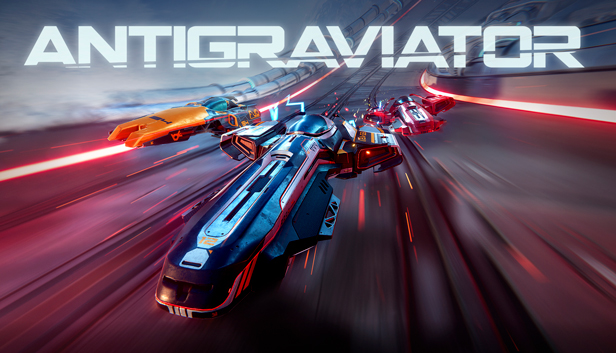
In the year 2210, racing has evolved far beyond its expected limits. New terraforming capabilities paired with scientific breakthroughs in the field of antigravity have given birth to a new spectacle: the Antigraviator intergalactic tournament.
Race perpetually on exquisitely detailed stages, full of light-speed danger, chaos and mayhem. Guide your Grav in three gameplay modes across four different worlds with three tracks each. These dynamic courses come to life, while pushing the power of Unity to the limit.

Challenge your friends in the fiercely competitive multiplayer modes, either online or in split-screen mode. Race yourself to the top of the worldwide leaderboard and earn special ranked skins.
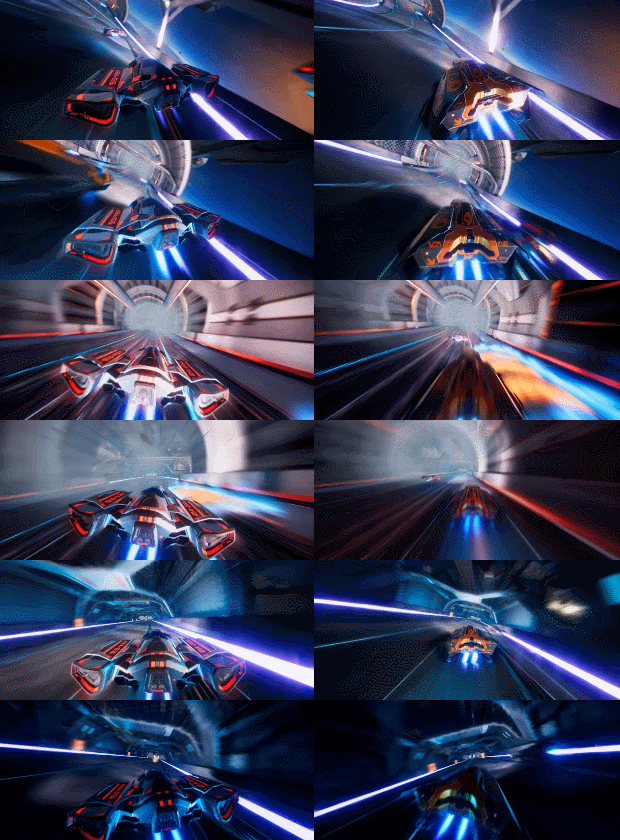
Split-screen gameplay

Sabotage your fellow racers by activating hover mines, creating a rockslide to cause tunnels to collapse, firing missiles from rocket launchers along the track, and many more malicious tricks.
Customize your Grav to your heart’s content, but choose wisely: deciding on one upgrade may mean compromising on another. Strategically tailor-make your Grav to gain the upper hand in races or face the crushing prospect of defeat. In addition to the customization options, unlockable skins will be available free of charge.

In this futuristic high-octane racing game, defying gravity is the least of your concerns.
KEY FEATURES
No speed limit!
Play the single player campaign to unlock new parts, ships and skins
Race your friends with local split-screen multiplayer for up to 4 players
Race anybody in online multiplayer mode with rankings and leaderboards
Use environmental traps to overtake your opponents
Power-ups and boosts allow you to become top of the track
Ship customization gives you an edge over the opposition
Four beautifully created sci-fi worlds with three dynamic courses each
Stunning realistic 3D graphics powered by Unity
Soundtrack featuring 12 intense tracks that will enhance your racing experience
Login or register at the official Steam Website and download Steam client
Install and start application, login with your Account name and Password
Click the Games Menu.
Choose Activate a Product on Steam...
Follow the onscreen instructions to complete the process
After the successful code verification, go to the "MY GAMES" tab and start downloading.
News & Updates
2026-06-11
Celebrate FIFA World Cup 2026 with YUPLAY
The FIFA World Cup 2026 is coming in hot this summer and while these coming weeks it is all going to be centered around the best game in the world of sports, we decided to bring you a dedicated YUPLAY giveaway to commemorate the occasion together! This promotional giveaway campaign invites all of our followers to try and predict the exact final scores of selected matches from the World Cup…
First V-Bucks, Now Steam Decks: Why Gaming is Getting More Expensive
Has gaming been steadily becoming more and more expensive lately? In the past months and quarters there has definitely been an increase in pricing in both the software and hardware departments of gaming and this trend has definitely stricken the market in more than a couple of ways. The industry has experienced a trend of gaming price increases as well as more expensive subscriptions…
Some functionality is not accessible when using the default controller configuration, requiring use of the touchscreen or virtual keyboard, or a community configuration
This game sometimes shows mouse, keyboard, or non-Steam-Deck controller icons
Entering some text requires manually invoking the on-screen keyboard
Some in-game text is small and may be difficult to read
This game does not default to external Bluetooth/USB controllers on Deck, and may require manually switching the active controller via the Quick Access Menu
This game's default graphics configuration performs well on Steam Deck