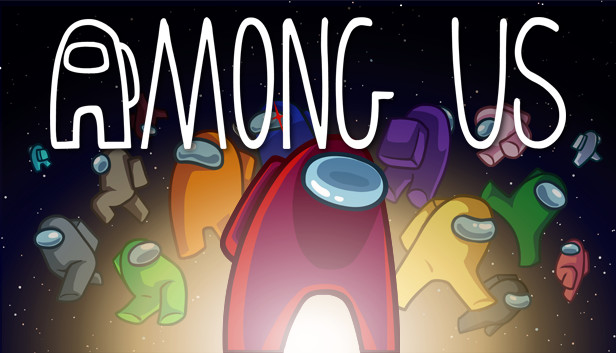
Play with 4-15 players online or via local WiFi as you attempt to prepare your spaceship for departure, but beware as one or more random players among the Crew are Impostors bent on killing everyone!
Originally created as a party game, we recommend playing with friends at a LAN party or online using voice chat. Enjoy cross-platform play between Android, iOS, PC, and console.
Gameplay for Crewmates
Win by completing tasks to prepare the ship or ejecting all Impostors.
React quickly to undo the Impostor's sabotages.
Check the Admin map and Security cameras to keep tabs on other Crewmates.
Report any dead bodies immediately to start discussion of who the suspected Impostor is.
Call emergency meetings to discuss suspicious behavior.
Vote to eject suspected Impostors.
Gameplay for Impostors
Kill Crewmates and frame bystanders.
Pretend to run tasks to blend in with the crewmates.
Sneak through the vents to quickly move about the ship.
Use sabotages to cause chaos and divide the crew.
Close doors to trap victims and kill in private.
Features
Customization: Pick your color, hat, visor, skin, and pet.
Lots of game options: Add more Impostors, more tasks, different roles, and so much more!
Different modes to choose from: Classic or Hide n Seek.
4 different maps to play in: The Skeld, MIRA HQ, Polus, and the Airship.
Quickly find a game online from the host list.
In-game text chat.
Rich Discord integration.
Cross-platform play between PC, console, Android, and iOS!
windows Minimum
OS: Windows 10 x32bit
Processor: INTEL i3-4330
Memory: 1 GB RAM
Graphics: INTEL HD Graphics 4600
windows Recommended
OS: Windows 10 x64bit
Processor: INTEL i3-4330
Memory: 4 GB RAM
Graphics: Nvidia GTX 650
To activate the game, you need a Steam Account
Login or register at the official Steam Website and download Steam client
Install and start application, login with your Account name and Password
Click the Games Menu.
Choose Activate a Product on Steam...
Follow the onscreen instructions to complete the process
After the successful code verification, go to the "MY GAMES" tab and start downloading.
News & Updates
2026-10-23
BOO! Giveaway - Win a Game of Your Choice
Make a purchase of any amount between 23.10.2026 15:00 CET and 28.10.2026 15:00 CET, submit your Order ID in our Gleam and get a chance to win a FREE GAME (up to 50€).…
Entering some text requires manually invoking the on-screen keyboard
This game does not default to external Bluetooth/USB controllers on Deck, and may require manually switching the active controller via the Quick Access Menu
All functionality is accessible when using the default controller configuration
This game shows Steam Deck controller icons
In-game interface text is legible on Steam Deck
This game's default graphics configuration performs well on Steam Deck