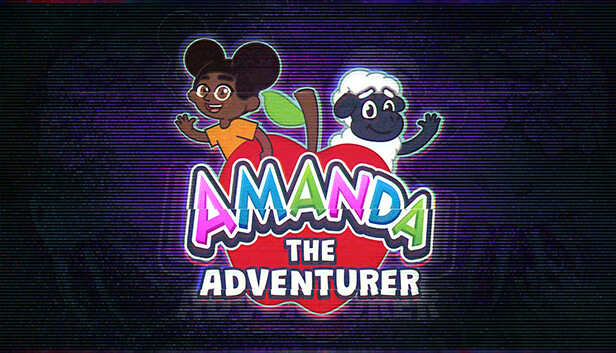
Having inherited their Aunt Kate’s house, Riley Park starts exploring what the reclusive woman left behind. In the attic, Riley is surprised to find a stack of VHS tapes next to an old TV set. The tapes seem to be episodes of an early 2000’s era children’s cartoon they have never seen before. Intrigued, Riley pops the first tape into the VCR.
The Mysterious Tapes
Not the highest budget production from the looks of it. It appears to have been made locally and features a little girl named Amanda and her loyal yet shy best friend, Wooly the Sheep. While the episode appears charming and simple on the surface, an uneasiness starts to settle in as Riley realizes that Amanda and Wooly seem to be communicating directly through the television set. A gnawing feeling in the back of their mind presses them to stop, but Riley is compelled to continue watching the tapes. It’s almost as if Amanda needs something, and Riley becomes fascinated with finding out what that something may be.
Key Features
A short yet intricate single-player horror experience
Animated tapes that tell an unsettling story, all under the guise of a welcoming children’s cartoon
Classic, 90’s-style CGI that recalls a simpler era of animation
Characters who interact directly with the viewer—a dream come true for any 90s kid...or is it a nightmare?
Challenging, escape room style puzzles using clues hidden within the tapes
Uncover the Mystery
What lies beneath the friendly and colorful facade of Amanda the Adventurer? Who left these tapes behind? Is the price you will pay worth the answers you seek?
windows Minimum
Processor: Quad-core Intel or AMD processor, 2.0 GHz or Faster
Memory: 4 GB RAM
Graphics: NVIDIA GeForce 470 GTX or AMD Radeon 6870 HD Series
Storage: 2 GB available space
Directx: Version 11
To activate the game, you need a Steam Account
Login or register at the official Steam Website and download Steam client
Install and start application, login with your Account name and Password
Click the Games Menu.
Choose Activate a Product on Steam...
Follow the onscreen instructions to complete the process
After the successful code verification, go to the "MY GAMES" tab and start downloading.
News & Updates
2026-07-20
Our Way of Saying Thank You
Great games are nothing without loyal gamers and we're grateful to have such an amazing community that supports our store. That’s why we’re launching our special “YUPLAY Is Feeling Generous” campaign as a way of saying “Thank you”. During this campaign, with every order over €30 you will receive a free 10% discount code that can be used during your next purchase…
The FIFA World Cup 2026 is coming in hot this summer and while these coming weeks it is all going to be centered around the best game in the world of sports, we decided to bring you a dedicated YUPLAY giveaway to commemorate the occasion together! This promotional giveaway campaign invites all of our followers to try and predict the exact final scores of selected matches from the World Cup…
Some functionality is not accessible when using the default controller configuration, requiring use of the touchscreen or virtual keyboard, or a community configuration
This game sometimes shows mouse, keyboard, or non-Steam-Deck controller icons
Entering some text requires manually invoking the on-screen keyboard
This game does not default to external Bluetooth/USB controllers on Deck, and may require manually switching the active controller via the Quick Access Menu
In-game interface text is legible on Steam Deck
This game's default graphics configuration performs well on Steam Deck