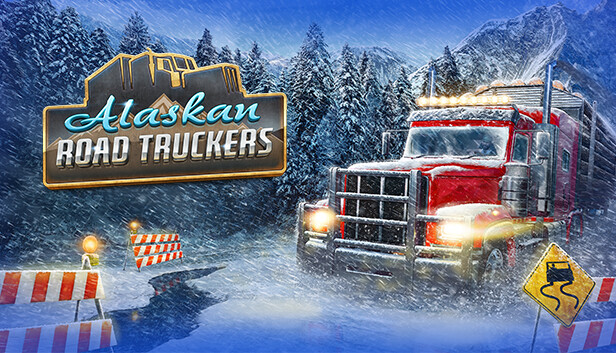
Get behind the wheel and drive across the entire state of Alaska with dynamic weather and unpredictable road conditions. Become a trucking legend and get your cargo to its destination on time.
- Pick your route across diverse road conditions
- Expand and customize your truck collection
- Take on different jobs with a huge variety of cargo types
Get out of your truck…
Get your hands dirty with involved, in-depth truck maintenance. Look after your truck, stock up on supplies, and make sure you’re ready for your next journey.
- Maintain your truck to keep it on the road
- Upgrade your HQ and manage your business
- Visit stores and gas stations to pick up essential purchases and fuel
- Leave your cab to explore scenic landmarks and soak up the atmosphere
…and survive
Be prepared for what Alaska has to throw at you, expect the unexpected for the journeys which lie ahead.
- Manage your health by battling against hunger, fatigue, and the cold
- Plot your route and make sure you have the best equipment for the job
- Encounter dangers like mud slides, avalanches, fallen trees, and more!
Additional notes: For peak performance, use SSD/NVMe; HDD may compromise draw distances. Install Logitech GHub for steering wheel usage, regardless of the wheel's brand.
windows Recommended
OS: Windows 10 (64-bit) or newer
Processor: Intel Core i7-9700 or AMD Ryzen 5600 or better
Memory: 16 GB RAM
Graphics: Nvidia GeForce Nvidia 3060 or better
Storage: 35 GB available space
Directx: Version 11
Sound card: DirectX compatible
Additional notes: For peak performance, use SSD/NVMe; HDD may compromise draw distances. Install Logitech GHub for steering wheel usage, regardless of the wheel's brand.
To activate the game, you need a Steam Account
Login or register at the official Steam Website and download Steam client
Install and start application, login with your Account name and Password
Click the Games Menu.
Choose Activate a Product on Steam...
Follow the onscreen instructions to complete the process
After the successful code verification, go to the "MY GAMES" tab and start downloading.
News & Updates
2026-02-27
Monthly Recap - February Edition
Even though February is the shortest month of the year it is still quite eventful in the gaming industry and there were quite a few things going on around it! We have selected a few of the more intriguing stories about some of the bigger game title hits that are worthy to be included in our monthly recap, as well as some memorable comebacks that you should not miss out on! Get ready for the rumble as we set out…
Football fans unite and gather for this one as this year’s edition of one of the biggest gaming titles in the sports category – EA Sports FC 27 is coming and rumors around the field have it that there would be an open world to be introduced in the gameplay! We wanted to join the discussion and find out if that is actually a necessity in a sports game, where the main focus should be on the matches…
This game's launcher/setup tool may require the touchscreen or virtual keyboard, or have difficult to read text
This game sometimes shows mouse, keyboard, or non-Steam-Deck controller icons
Some in-game text is small and may be difficult to read
This game requires manual configuration of graphics settings to perform well on Steam Deck
This game does not default to external Bluetooth/USB controllers on Deck, and may require manually switching the active controller via the Quick Access Menu
All functionality is accessible when using the default controller configuration