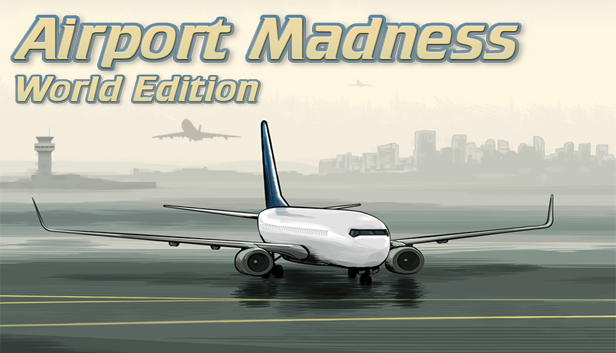
Keep arriving and departing airplanes safe from collisions, while avoiding unnecessary delays. In this game you will work at the world's most complex airports. Human pilot voices, a radar screen, 12 different real-world airports, plus an awesome soundtrack make this game a must-have for anyone who likes aviation. Sound complicated? Airport Madness is for everyone, and it is very easy to learn. Do you have what it takes to be an air traffic controller at a busy international airport?
You are paid the big bucks for your visualization skills and guts. Just like the real job of an air traffic controller, you must pay attention and keep your eyes moving. There is always something that you should be doing. You must give takeoff clearances, landing clearances and taxi clearances in a strategic effort to maintain safety and efficiency where there would otherwise be total chaos. This is not a spectator's sport! Can you hack it?
The Airport Madness series began in 2008, and has sold more than 75,000 copies. Airport Madness: World Edition is the sixth and most popular version of the series.
San Francisco
Honolulu
London
Las Vegas
Vancouver
Anchorage
New York JFK
Madeira
Barcelona
Dubai
Amsterdam
Zurich
Airport Madness has no in-app purchases or ads. Once you buy Airport Madness, you own all of it! Got a favorite airport? Send us a message and we'll consider it for a future update.
windows Minimum
OS: Windows XP, Windows Vista, Windows 7, Windows 8 (32/64 bit)
Processor: 1.0 GHZ
Memory: 512 MB RAM
Storage: 100 MB available space
Directx: Version 8.0
macosx Minimum
OS: Intel Mac, OS X version Snow Leopard 10.6.3
Processor: 1.0 GHZ
Memory: 512 MB RAM
Storage: 100 MB available space
To activate the game, you need a Steam Account
Login or register at the official Steam Website and download Steam client
Install and start application, login with your Account name and Password
Click the Games Menu.
Choose Activate a Product on Steam...
Follow the onscreen instructions to complete the process
After the successful code verification, go to the "MY GAMES" tab and start downloading.
News & Updates
2025-12-16
Double Up on Christmas Deals with YUPLAY
This Christmas we got not just one, but actually two very interesting promotions prepared for you! The first out of the two Christmas holiday promos is going to last a bit more than a week and it would include discounts on all the games we got on our website and if you decide to buy at least 2 (or more) game titles, at checkout there would be an automatic 10% (with a maximum cap limit of 3€) taken off from the cheaper one in the order. The second one…
As the holiday season is already nearly here, we prepared a special Christmas Giveaway that would let you test your gaming IQ with YUPLAY and win some awesome prizes while doing it! Make sure to regularly check and follow our YUPLAY X profile in order to be in the know about any possible chances to participate and enter the Christmas Giveaway in a timely manner. Are you up to the challenge and ready to guess some great gaming titles?
Some functionality is not accessible when using the default controller configuration, requiring use of the touchscreen or virtual keyboard, or a community configuration
This game sometimes shows mouse, keyboard, or non-Steam-Deck controller icons
In-game interface text is legible on Steam Deck
This game's default graphics configuration performs well on Steam Deck