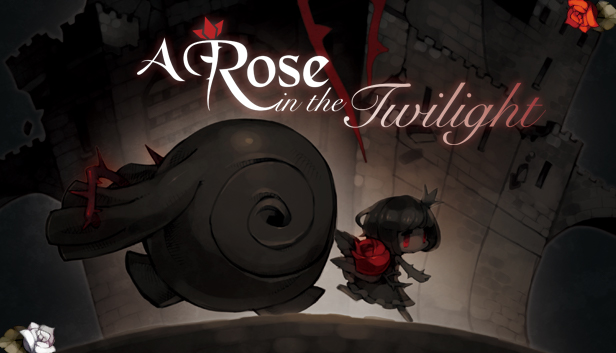
In A Rose in the Twilight, use Rose’s power to absorb blood and transfer it to static objects. By doing so, colorless objects become red and regain the essence of time. You will also need to make use of the giant’s super strength by lifting and throwing objects to clear your path.
Every stage is a puzzle waiting to be pieced together. The further you get, the harder it becomes, but the greater the risk, the bigger the reward. Discover how to solve each stage as you delve deeper into the story’s grim origins.
Key Features:
Color & Time - Without color and time, the player cannot progress, but with Rose's power you can take advantage of both these key elements.
Blood Memories - Splatters of blood are waiting to be found all throughout the castle, and each one contains a gruesome death.
Visual Storytelling - Collect Blood Memories to unlock the past by watching a series of vignettes pieced together by each victim's death.
Live, Die, Repeat - Utilize both Rose's and the giant's power to solve each stage, but if death happens to cut your journey short, be careful not to make the same mistake twice.
Make a purchase of any amount between 23.10.2026 15:00 CET and 28.10.2026 15:00 CET, submit your Order ID in our Gleam and get a chance to win a FREE GAME (up to 50€).…
This game doesn't support Steam Deck's native display resolution and may experience degraded performance
This game does not default to external Bluetooth/USB controllers on Deck, and may require manually switching the active controller via the Quick Access Menu
All functionality is accessible when using the default controller configuration
This game shows Steam Deck controller icons
In-game interface text is legible on Steam Deck
This game's default graphics configuration performs well on Steam Deck